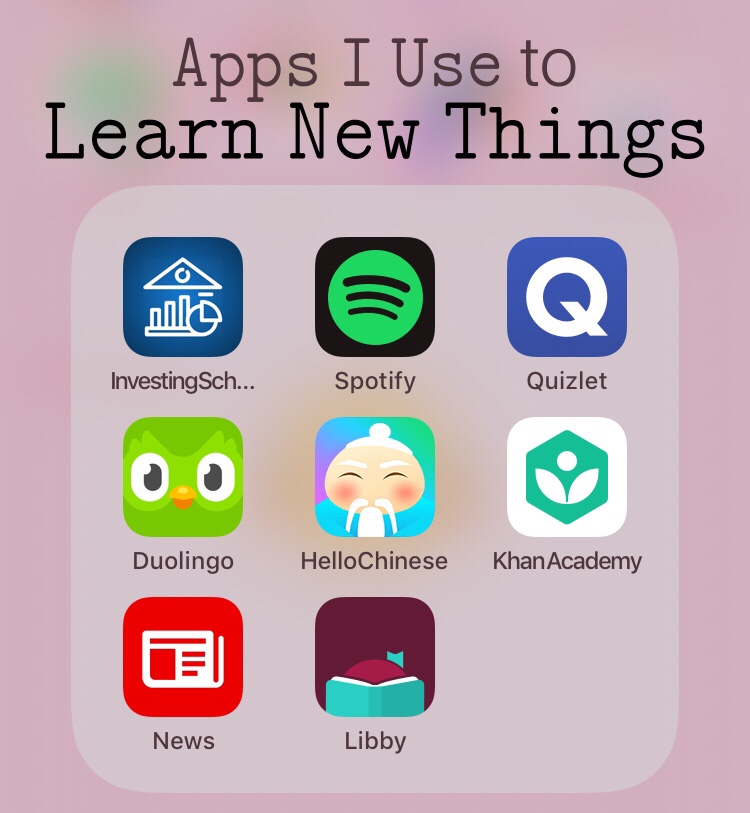
Spring break is coming up for most students, and breaks make it easy to forget everything you’re learning in school. Fortunately, apps have made learning easier than ever before, and I’ve gathered some that are pretty great. (Not sponsored haha)
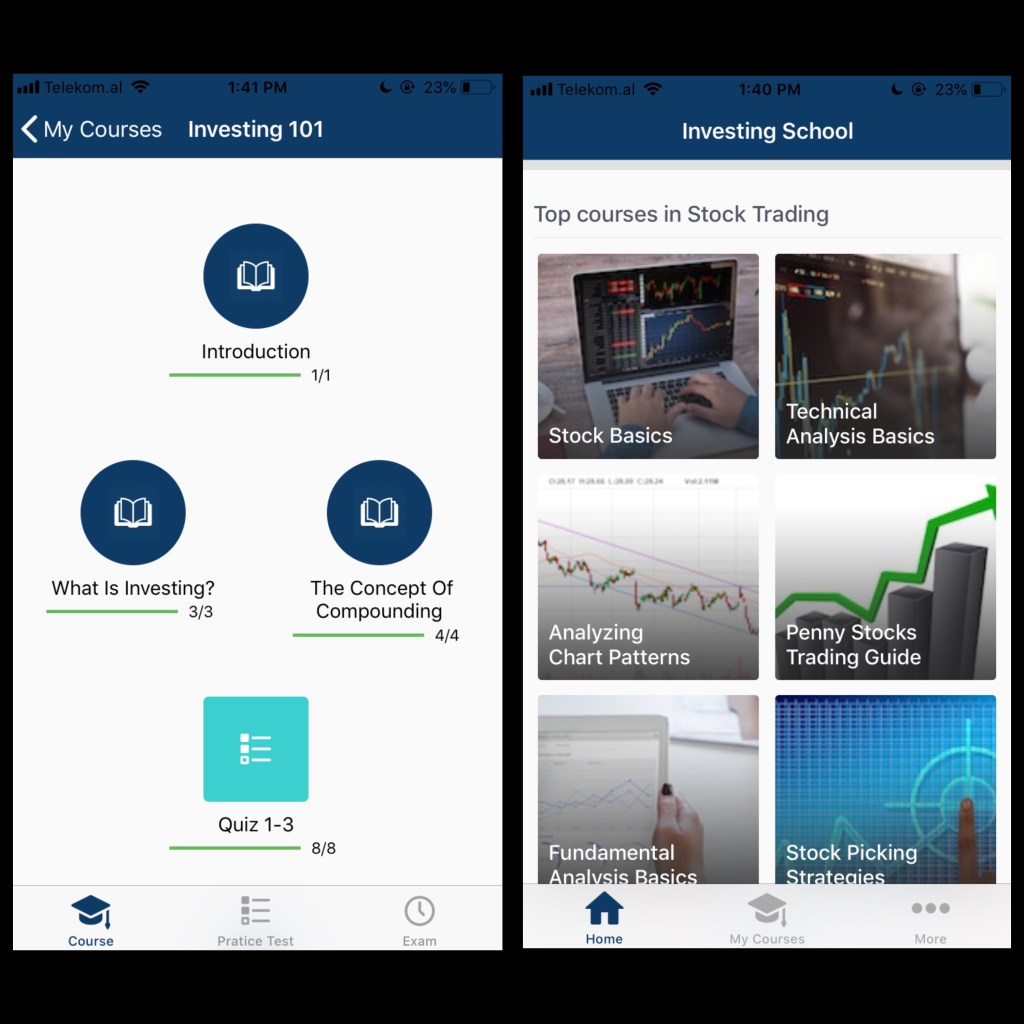
Investing School: Learn Invest
Try to ignore the incorrect grammar in the title. I’ve been trying to learn about investing so that I can do it when I actually have an income one day. Investing School explains everything very simply and there are little quizzes throughout to test you on what you’ve read. There’s a variety of courses you can take, from stocks and budgeting to real estate and mortgages. At the end, there’s a “final exam” quiz. The app is completely free, but there are ads, although they aren’t too annoying.
Spotify
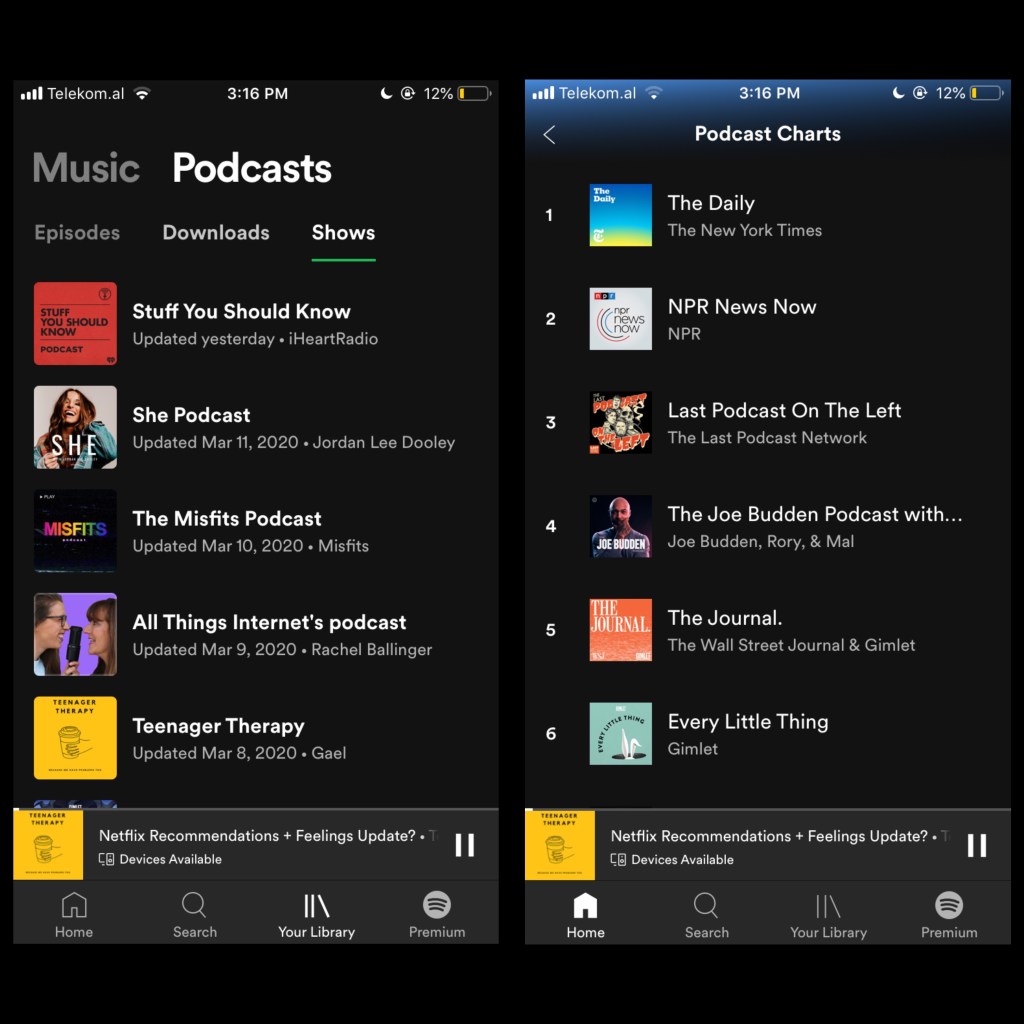
Yes, it’s a music app, but it’s also my go-to podcast app. It’s definitely not considered the best podcast app available, but I really enjoy some of the podcasts and I can’t find them other places. Some of them are more like audio books or audio plays, too. My favorite is called Teenager Therapy and it’s basically just a group of teenagers chatting about life. It’s really chill and calming to listen to. Spotify also has most of the really popular podcasts, like NPR, TED, and The Daily (New York Times). Just like with music, Spotify gives you recommendations for podcasts, too. Spotify is free to download and listen, but there is a monthly fee to unlock all features.
Quizlet
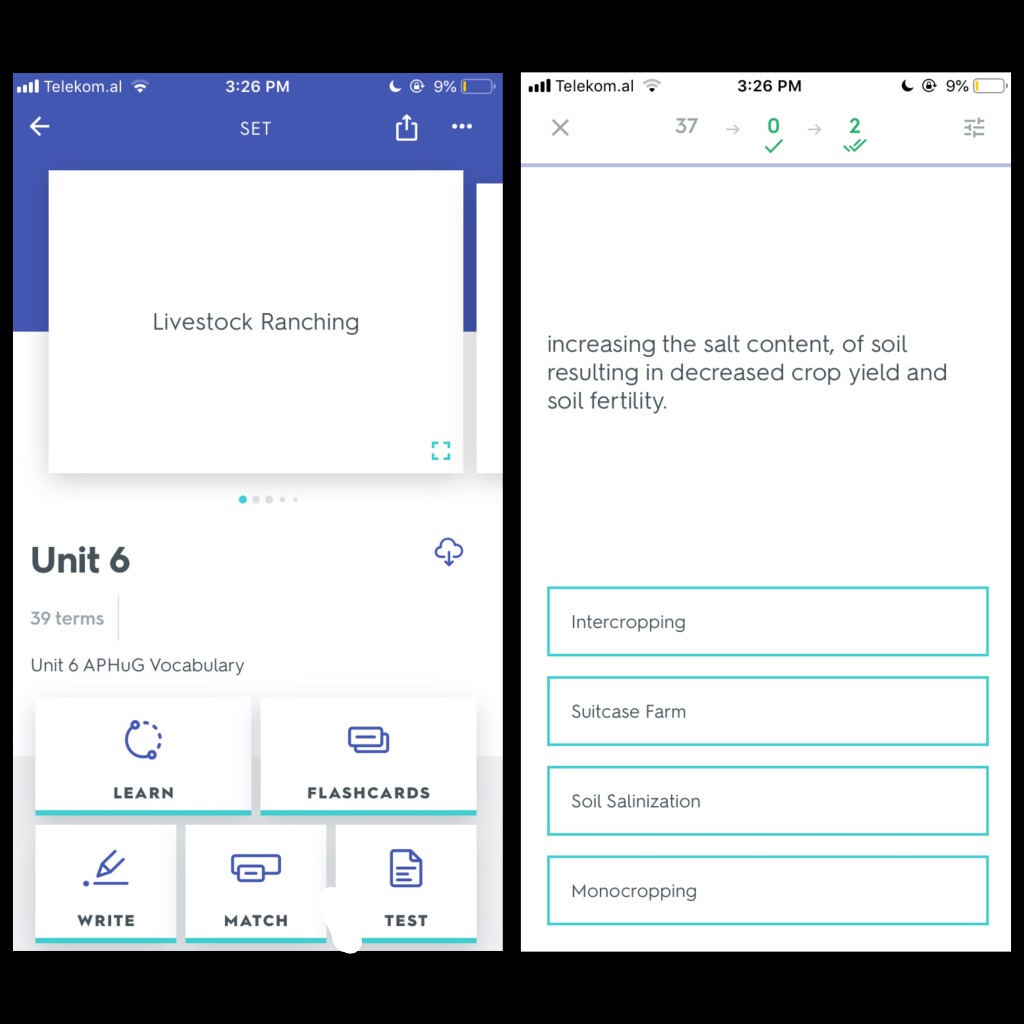
This one is well-known as a study app. It’s great for keeping up with vocabulary you’ve learned in school, especially during breaks and weekends. There are a few different ways you can study on Quizlet, such as matching and flash cards. You can also find other people’s study sets to use, especially if you’re studying vocabulary out of a textbook. It’s also easy to share sets with your friends, so I make a set for each unit in my AP class and then share it with all my friends. Quizlet is free to download and use, but there is a monthly fee to unlock all features.
Duolingo
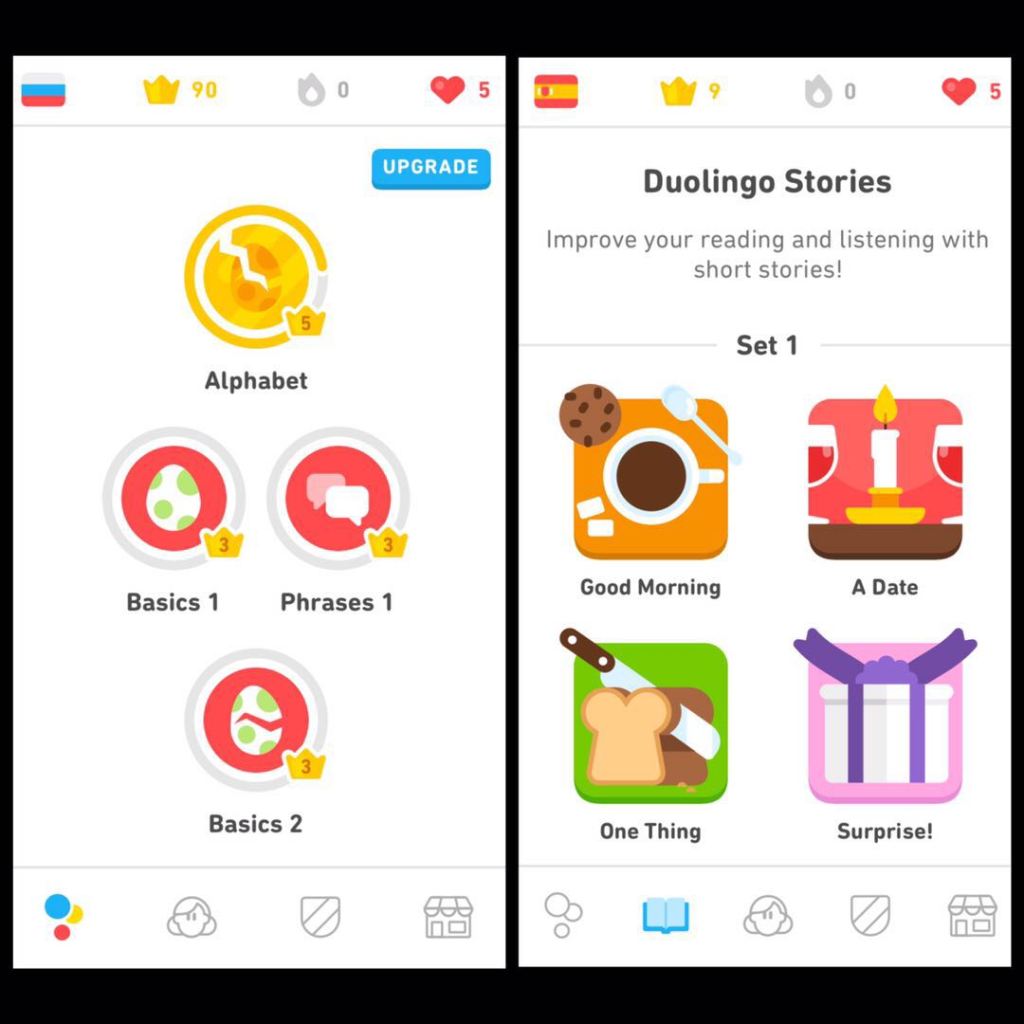
I’ve been using Duolingo for years and I’m still very happy with it. I use it for Russian and Spanish, but there are dozens of languages available. Spanish has stories for improving your reading and listening skills. They boast that “you can learn as much in 34 hours of Duolingo as in one semester of university language classes.” I don’t know if this is true or not, but it’s been pretty useful for me for keeping up with languages, even though I can’t practice them in real life. Duolingo is free, but you can upgrade to remove the ads (which aren’t annoying) and to download courses for use offline.
Hello Chinese
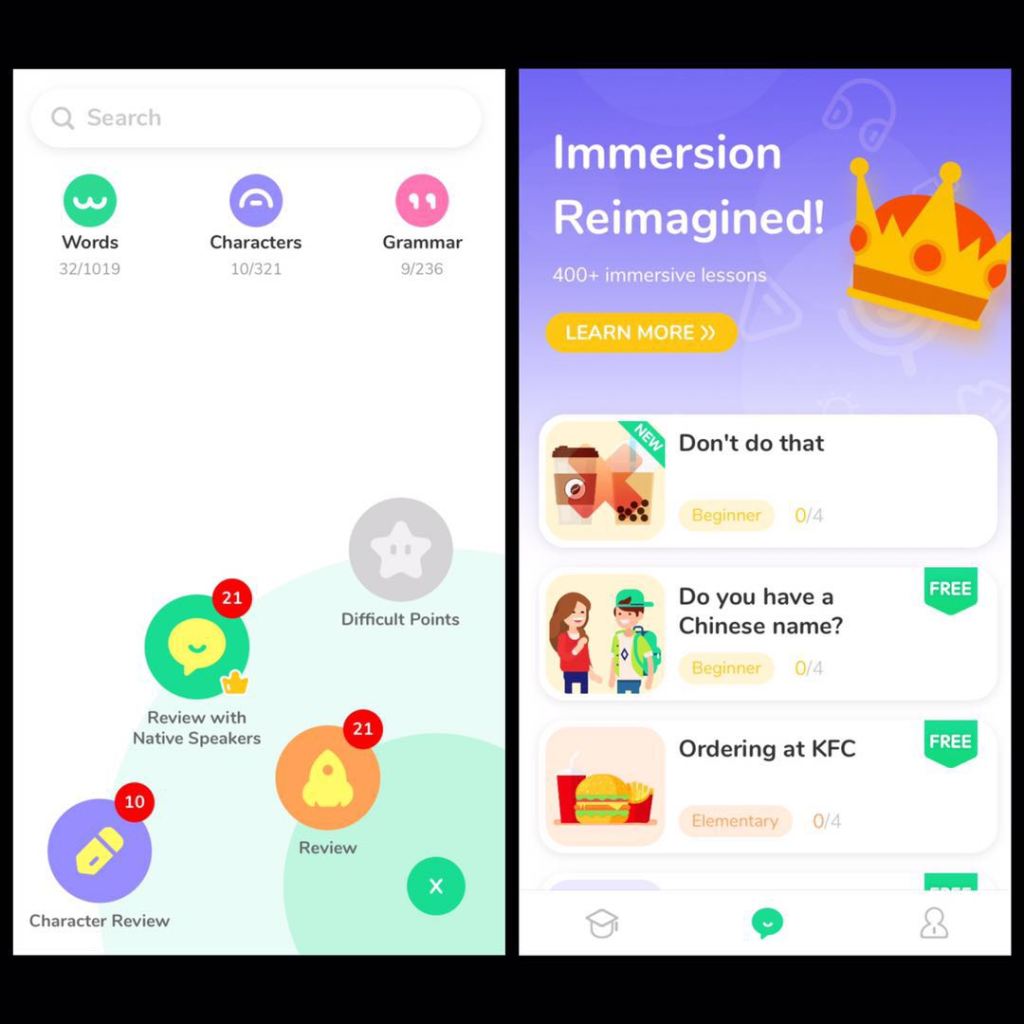
Hello Chinese is another language app that I prefer over Duolingo for Chinese. Duolingo isn’t set up for the complexity of Chinese characters, but Hello Chinese allows you to practice all aspects of Mandarin. There are individual lessons and a practice section to refresh your memory regularly. There’s also mini podcasts and videos you can watch that teach you more about Chinese culture (in Chinese and English). Another thing I really like is that there are videos of native speakers saying phrases or words so that you can hear them pronounced realistically. All of the lessons on Hello Chinese are free, but you can pay to unlock more podcasts and other extras.
Khan Academy
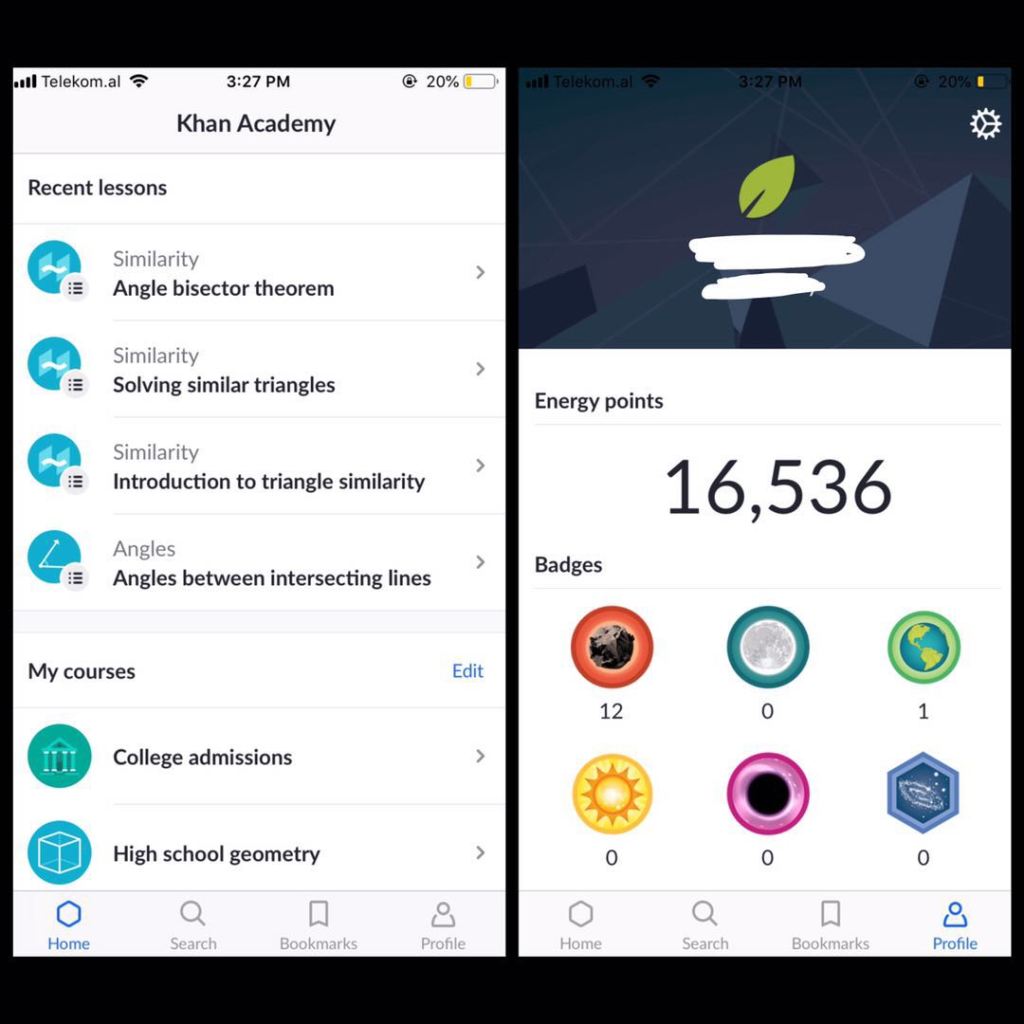
Khan Academy is my go-to resource for math help, but they also have other courses, such as economics, sciences, and literature. Each lesson has videos and quizzes, and a lot off schools use it because you can add students to your classes and then see how much they do. Sal Khan does a great job of explaining things using his digital blackboard. Since the videos are embedded from YouTube, you can speed them up or slow them down. There is a website too, or if you don’t want to make an account or track your progress, the videos are also right on the YouTube channel. It’s all completely free.
Microsoft News
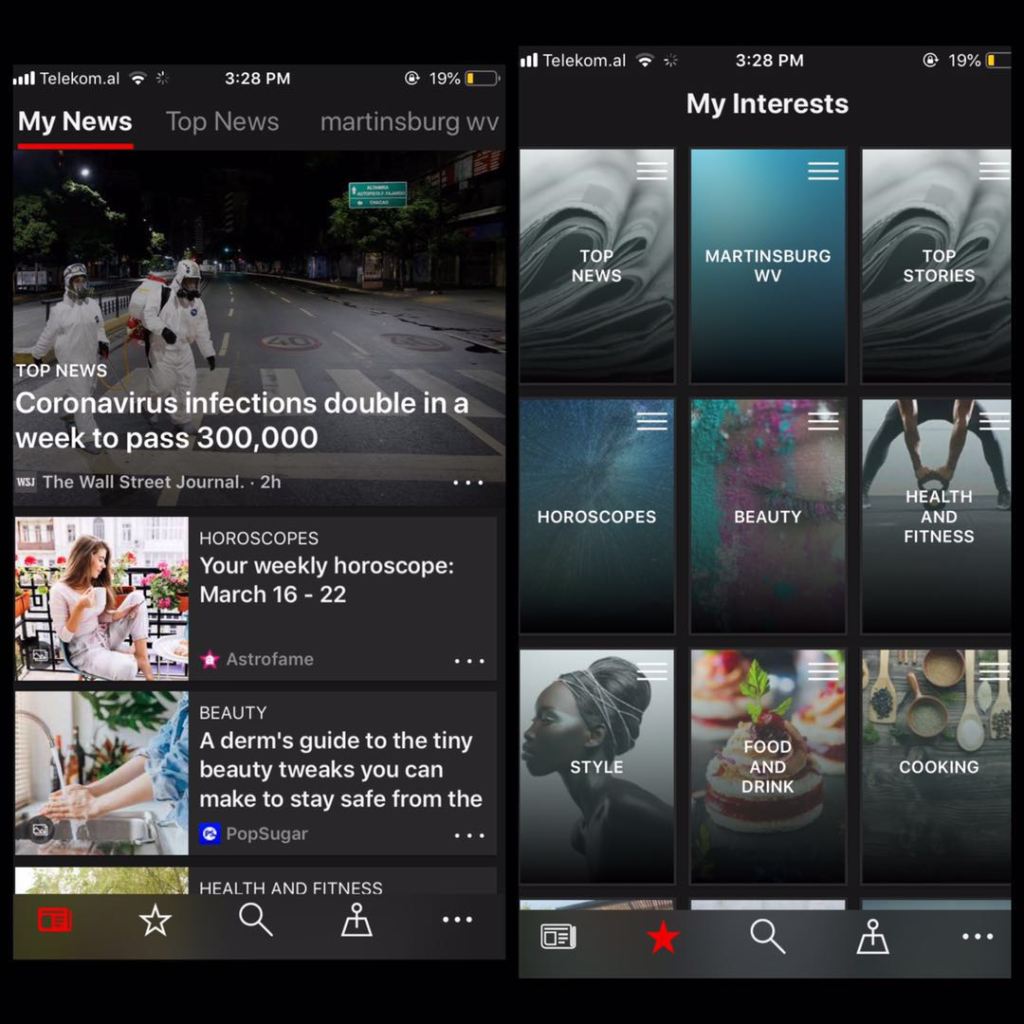
This is my favorite news app. I started using it because it came already installed on my computer, and then I downloaded it on my phone, too. It’s really simple. You follow interests, channels, or places and then get a “My News” tab based on that. Some of the ones I follow are “Top News,” “Martinsburg, WV,” “Cooking.” I like the idea of following interests as well as channels, because you get a wider variety of content from lots of reputable sources, instead of just one new channel. It’s good to read different viewpoints. Microsoft News is completely free.
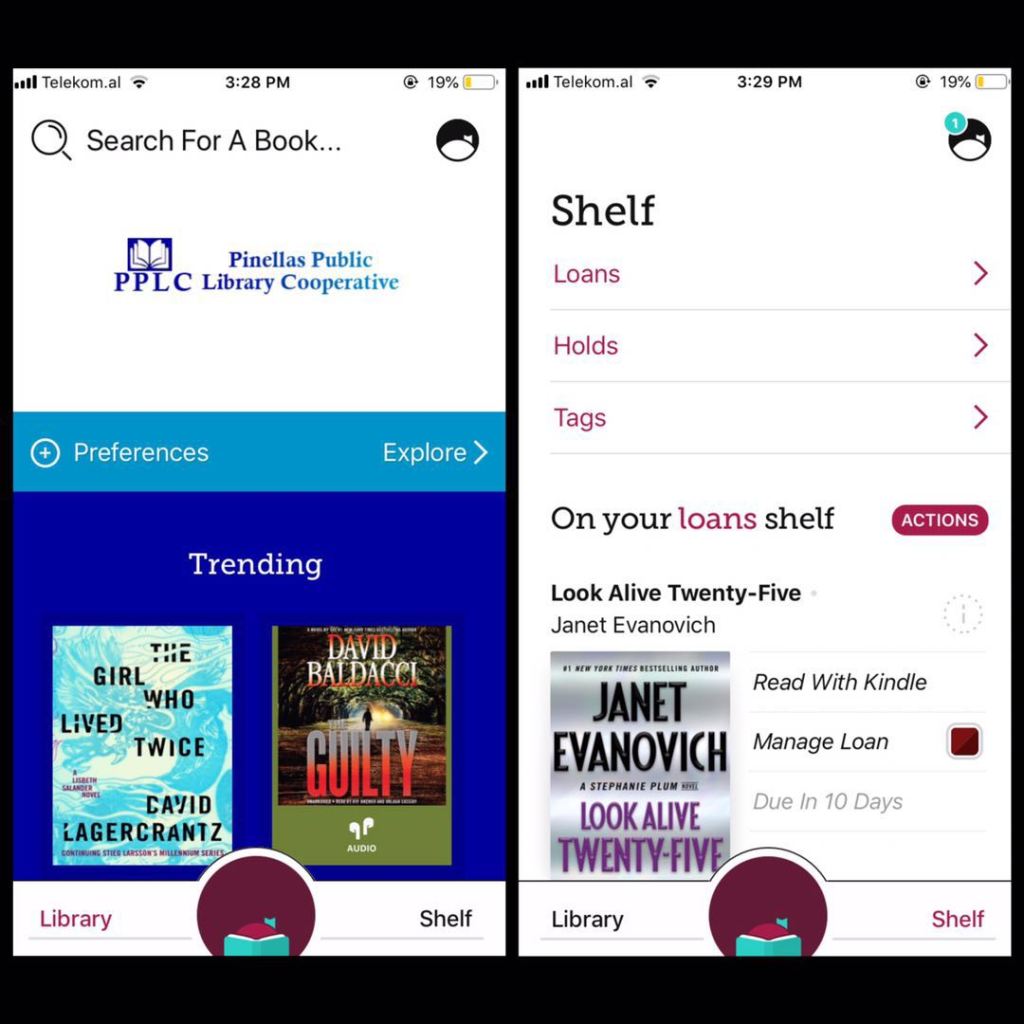
Libby by Overdrive
Libby is an online library app that is even more useful amid the Coronavirus. You simply put in your library card information and are given access to a wealth of books and audio books. Search for the book you want or browse through the different genres. Then, check out the book for either 7 days or 14 days. You can also renew and return early, just like a regular library. I have my books delivered to my Kindle, but you can also read on Libby. It’s free, you just need a library card.
I hope I’ve given you some ideas for learning new things during this time of no school. See you next week!

 Way Out Wanderer